
Interactive Tours
Search results:
Launch Tour

Tour of DLP Controls
Enforce CMMC, HIPAA, FINRA, SOC2 compliance on unmanaged computers
Launch Tour

Prevent Data Exfiltration: Secure Locally Stored Files Using Venn Disk™
Venn Disk makes it easy to secure sensitive work files on unmanaged devices. Files can stay local on the machine while your data protection policies are enforced at all times.
Launch Tour
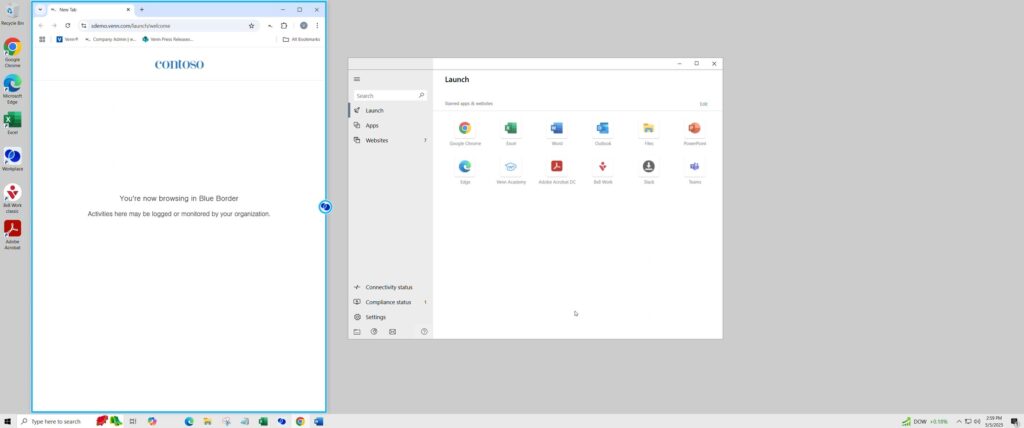
Block Web Browser Uploads
Block users from uploading work data through web browsers to cloud apps, storage, etc
Launch Tour
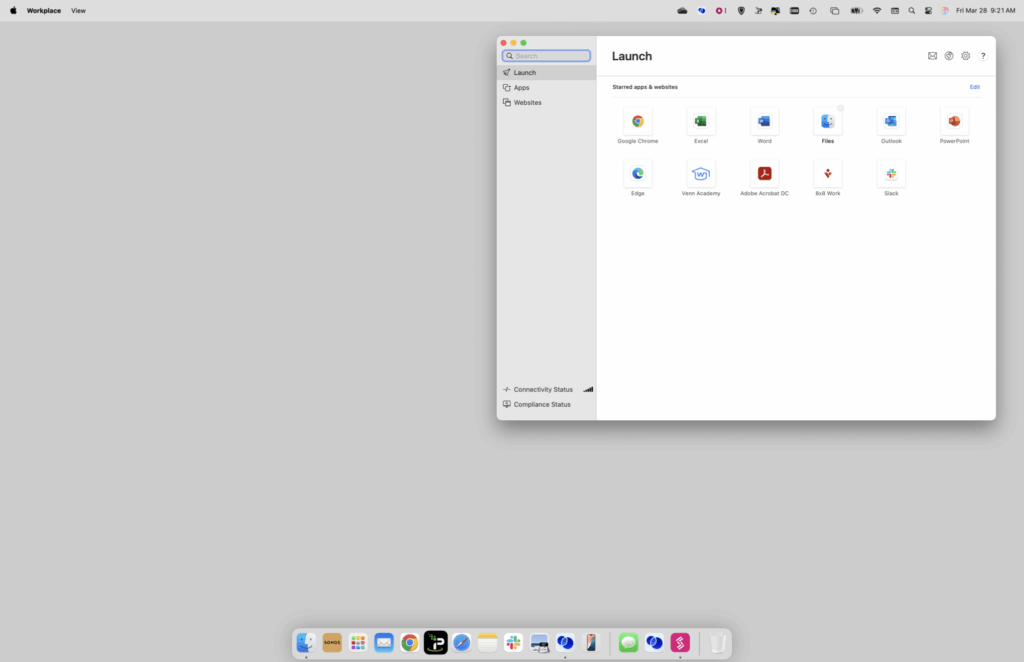
Prevent Data Transfers out of Blue Border™
Contain data within Blue Border™. Block transfers from Venn Disk to the personal side of the device
Launch Tour
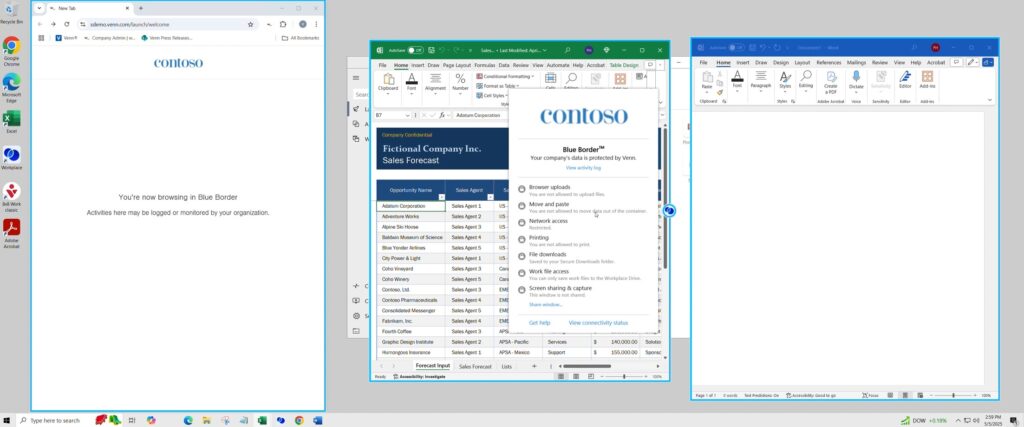
Prevent Copy and Paste Functions
See how users can ONLY copy & paste data within apps running inside Blue Border
Launch Tour
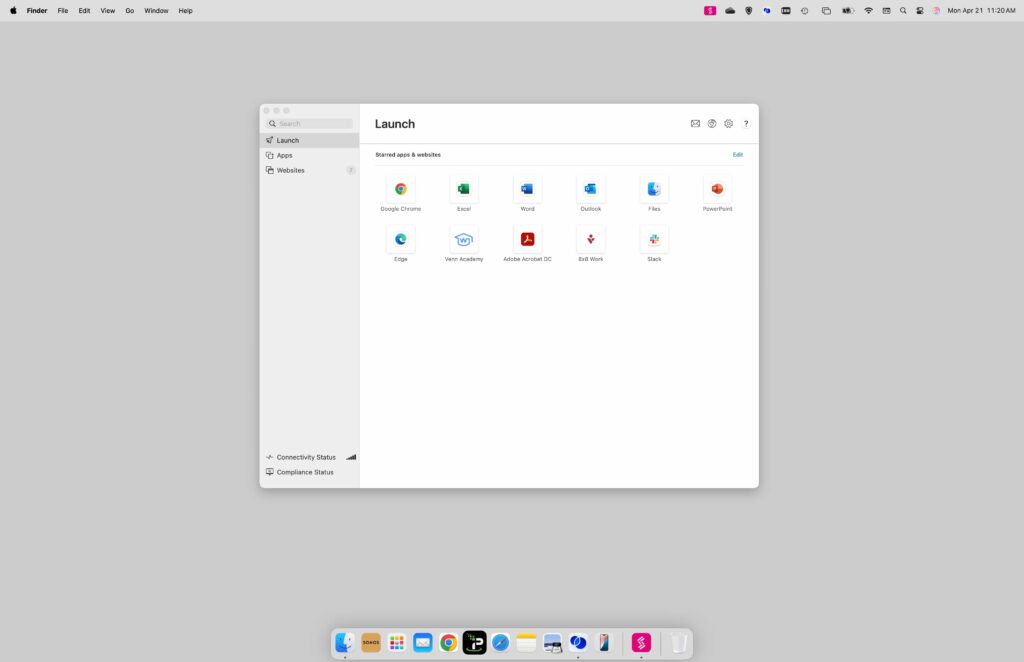
How Users Distinguish Between Work and Personal Activity
Work inside Blue Border™ is subject to company policies, while activity outside Blue Border™ is not being monitored by anyone at the user’s company or Venn.
Launch Tour
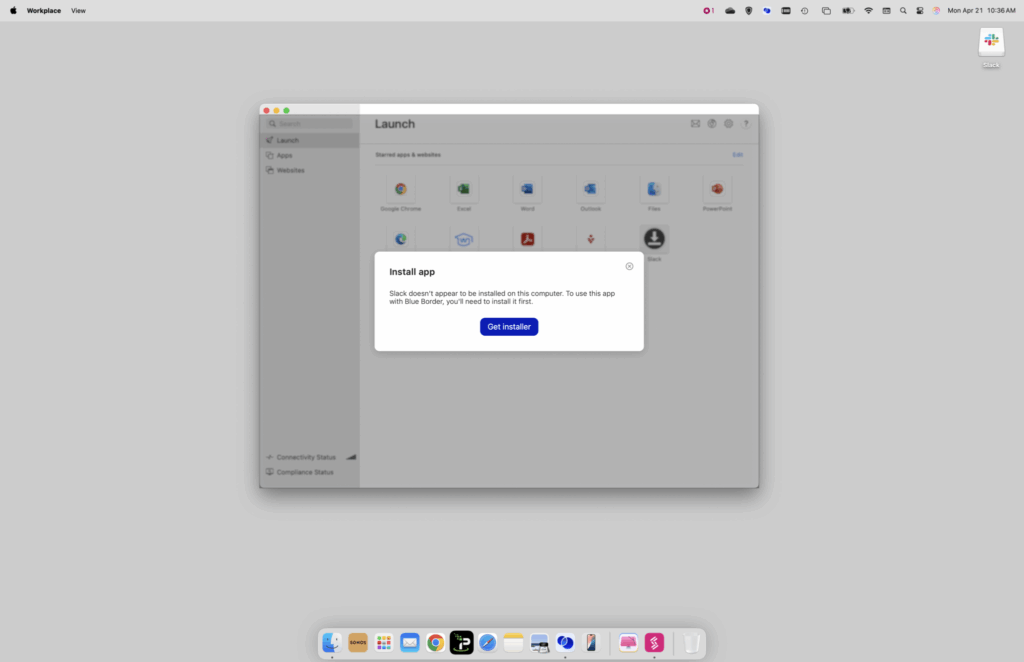
Distribute New Applications to Users
In this short demo, we’ll show you how users can easily see that there is an application ready to be downloaded.
Launch Tour
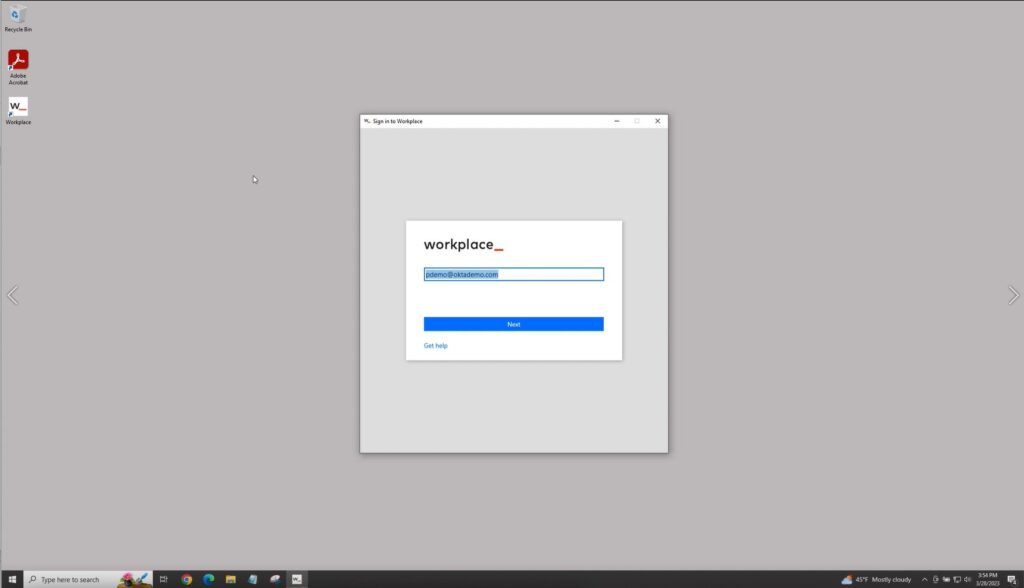
Integrate with Okta for Seamless Authentication (SSO/MFA)
Venn integrates seamlessly with leading identity providers like Okta to support Single Sign-On and Multi-Factor Authentication.
Launch Tour
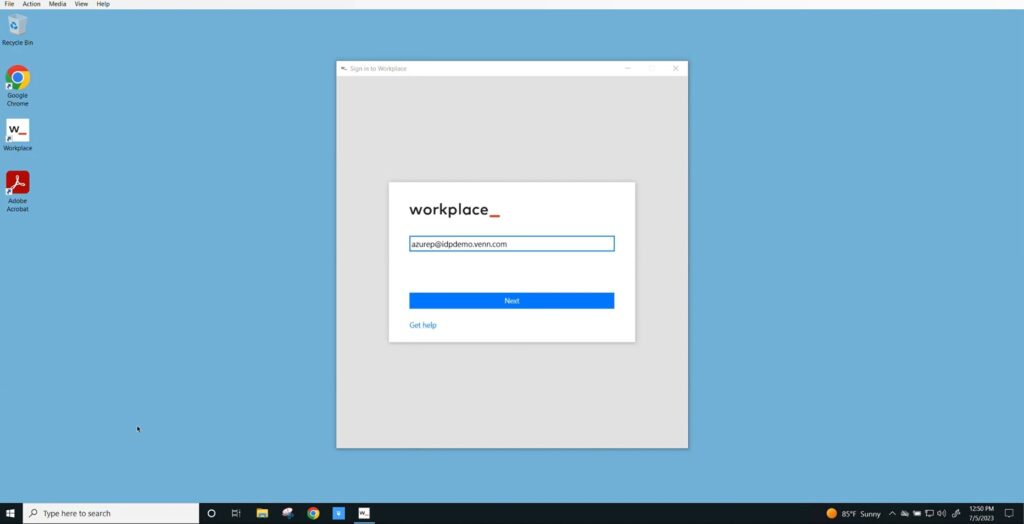
Integrate with Entra ID for Seamless Authentication (SSO/MFA)
Venn integrates seamlessly with leading identity providers like Entra ID to support Single SignOn and Multi-Factor Authentication. This ensures secure, streamlined access to work applications inside the Blue Border, while giving IT full control over authentication and user identity
Launch Tour
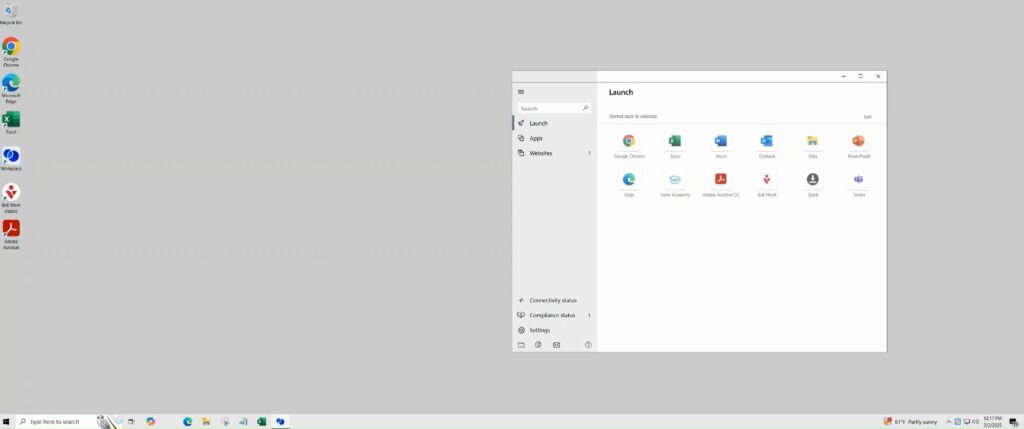
Access Removal and Remote Data Wiping
When it’s time to offboard a user, administrators can instantly revoke access and remotely wipe all company data from that user’s device — no matter where they are.
Launch Tour
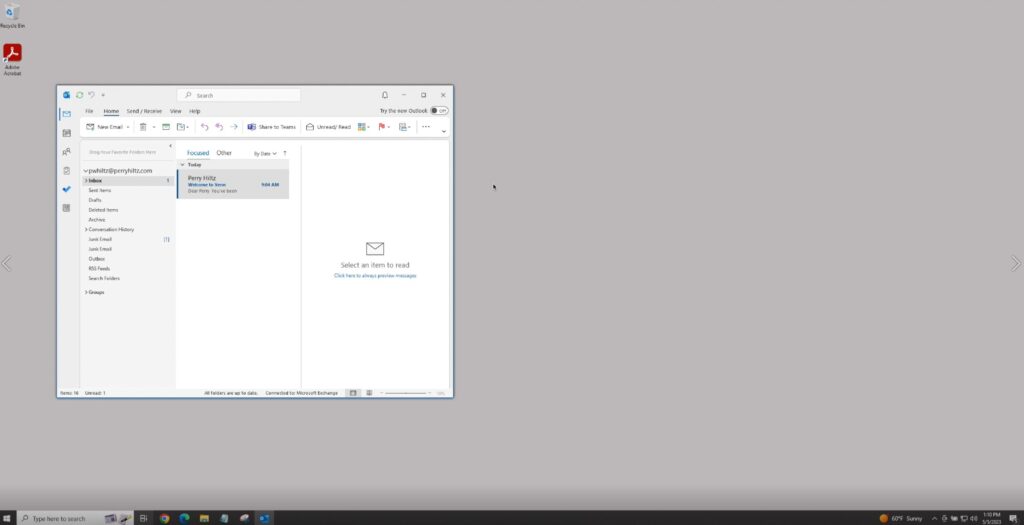
Onboard New Contractors or Remote Users
Onboarding a new user into Blue Border is refreshingly simple—especially compared to the heavy lift of setting up VDI or provisioning managed devices. Since users are already on their personal computers, there’s no infrastructure to configure, no hardware to ship, and no virtual desktops to spin up. IT simply creates the user’s account, initiates the setup process, and within minutes, that user is up and running inside a secure, policy-enforced environment. It’s fast, frictionless, and purpose-built for the pace of modern remote work.
Data Loss Prevention
Launch Tour
Tour of DLP Controls
Enforce CMMC, HIPAA, FINRA, SOC2 compliance on unmanaged computers
Launch Tour
Prevent Data Exfiltration: Secure Locally Stored Files Using Venn Disk™
Venn Disk makes it easy to secure sensitive work files on unmanaged devices. Files can stay local on the machine while your data protection policies are enforced at all times.
Launch Tour
Block Web Browser Uploads
Block users from uploading work data through web browsers to cloud apps, storage, etc
Launch Tour
Prevent Data Transfers out of Blue Border™
Contain data within Blue Border™. Block transfers from Venn Disk to the personal side of the device
Launch Tour
Prevent Copy and Paste Functions
See how users can ONLY copy & paste data within apps running inside Blue Border
IdP Integration (SSO/MFA)
Launch Tour
Integrate with Okta for Seamless Authentication (SSO/MFA)
Venn integrates seamlessly with leading identity providers like Okta to support Single Sign-On and Multi-Factor Authentication.
Launch Tour
Integrate with Entra ID for Seamless Authentication (SSO/MFA)
Venn integrates seamlessly with leading identity providers like Entra ID to support Single SignOn and Multi-Factor Authentication. This ensures secure, streamlined access to work applications inside the Blue Border, while giving IT full control over authentication and user identity
Onboarding and Offboarding
Launch Tour
Access Removal and Remote Data Wiping
When it’s time to offboard a user, administrators can instantly revoke access and remotely wipe all company data from that user’s device — no matter where they are.
Launch Tour
Onboard New Contractors or Remote Users
Onboarding a new user into Blue Border is refreshingly simple—especially compared to the heavy lift of setting up VDI or provisioning managed devices. Since users are already on their personal computers, there’s no infrastructure to configure, no hardware to ship, and no virtual desktops to spin up. IT simply creates the user’s account, initiates the setup process, and within minutes, that user is up and running inside a secure, policy-enforced environment. It’s fast, frictionless, and purpose-built for the pace of modern remote work.
User Experience
Launch Tour
How Users Distinguish Between Work and Personal Activity
Work inside Blue Border™ is subject to company policies, while activity outside Blue Border™ is not being monitored by anyone at the user’s company or Venn.
Launch Tour
Distribute New Applications to Users
In this short demo, we’ll show you how users can easily see that there is an application ready to be downloaded.
