Blue Border®
The Secure Workspace
for the AI Era
Blue Border™ is a secure workspace for remote work. It installs a company-controlled, encrypted enclave on any Mac or PC, where work apps, files, network traffic and AI tools run locally under IT policy and DLP.
Everything outside the enclave stays private to the user. It secures employees, contractors and BYOD users without VDI or full device management.

Trusted by 700+ security and compliance-driven organizations including Fidelity, Guardian, StoneX, and Whatnot














Secure remote work on any device. Managed or unmanaged.
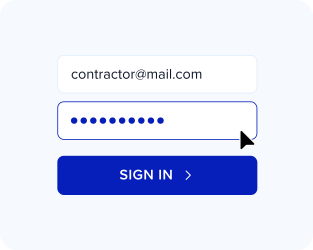
Any Worker
Full-time employees, contractors, offshore teams, and BPO staff get secure access in minutes.
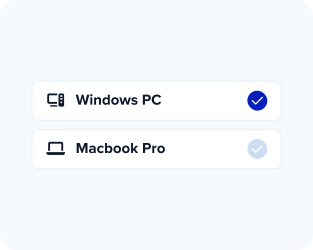
Any Device
Mac, PC, company-issued, third-party, or BYOD devices. Managed or unmanaged.
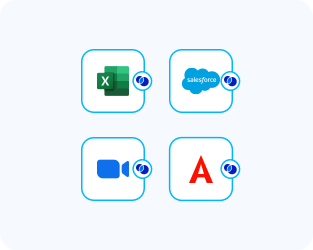
Any Application
Locally installed and browser-based applications are secured and run at native speed.
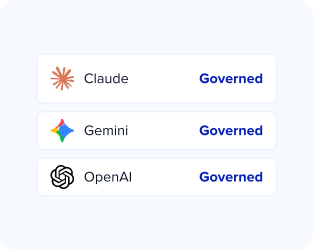
Any AI Workflow
Browser and desktop AI are governed at the source. Sanction the tools you trust and block the ones you don’t.
Secure remote work without VDI
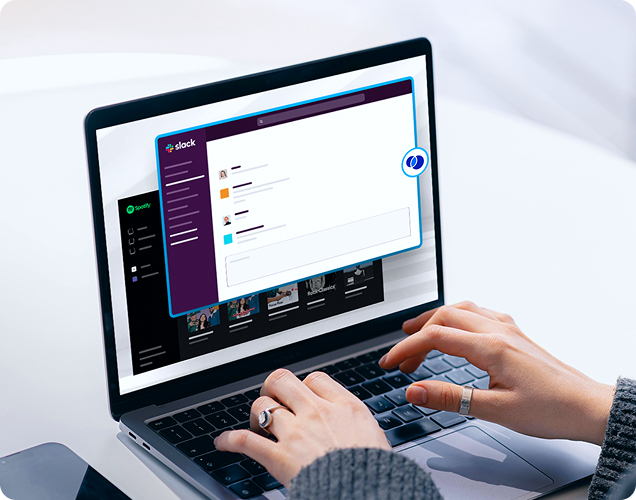
Blue Border creates a company-controlled secure enclave directly on the device.
All work happens inside the enclave where company data is encrypted and access is governed by IT.
All business activity inside the enclave is protected and isolated from any other use on the same computer.
Work applications run locally, with no performance tradeoffs, visually marked by a blue line wrapped around those application windows.
Govern AI tools on personal and unmanaged laptops
Govern AI on any personal or unmanaged laptop
Claude, natively on the desktop
Claude, Cowork, and Code, with full DLP coverage.
Tenant restrictions
Company accounts only. Personal logins stay blocked.
Shadow AI blocking
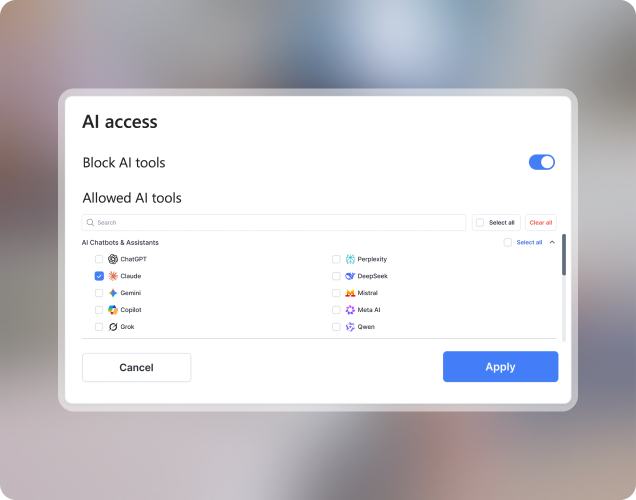
Block AI as a category. Allow only what you approve.
Trusted-location access
Only dedicated IPs access corporate AI inside Blue Border.
How Blue Border® Works
Venn is a great solution for any company with remote employees and contractors that have regulatory requirements or wants to reduce the cost of PC management.

What our customers love about Blue Border®







#98
Overall
#9
In Software
Frequently Asked Questions
No. Work apps run locally and natively on the user’s own Mac or PC inside a secure enclave — so there’s no streaming, no lag, and none of the cost or complexity of VDI. Blue Border replaces the reasons companies run VDI in the first place.
No. Blue Border works on company-issued, third-party, or personal/BYOD devices, managed or unmanaged. Users authenticate on their own computer and work inside the enclave.
No. Only activity inside Blue Border is governed. Anything outside it — personal apps, files, and browsing — can’t be seen, tracked, or monitored by the company or by Venn.
Locally installed apps and browser-based apps alike — Chrome, Office, Slack, Zoom, Teams, Salesforce, SAP, CAD tools, custom line-of-business apps, and more, all running at native speed.
Install Blue Border on each worker’s Mac or PC. AI tools run inside the secure enclave, where IT sanctions the tools and company tenants it trusts, blocks the rest by tool or category, and applies DLP to prompts, uploads and copy/paste. Browser AI and desktop AI such as Claude are governed the same way, on managed, unmanaged and BYOD devices.
Blue Border creates a secure enclave on the device that isolates work apps and data from anything else on the machine. There is no management of the actual device and any management and removal of data is entirely the contents of the secure enclave. All device configurations and personal activity outside the secure enclave are not touched or managed.