
Enforce DLP Policies for Installed Apps on Unmanaged or BYOD Computers
Today’s workforces aren’t just full-time employees sitting in the office. Contractors, consultants, and remote employees are a critical part of many organizations, but giving them secure access to company data isn’t easy. Personal devices, unmanaged laptops, and diverse software environments create real security challenges, especially when sensitive data is involved.
Traditional solutions, like virtual desktops or complex endpoint management, can slow employees down, frustrate IT teams, and still leave gaps in security. Copying data between apps, accidental leaks, or even simple screenshots can put business-critical information at risk.
That’s why many organizations are looking for a different approach: one that protects sensitive data without adding friction for users or complexity for IT.
Protect Work Without Virtualization
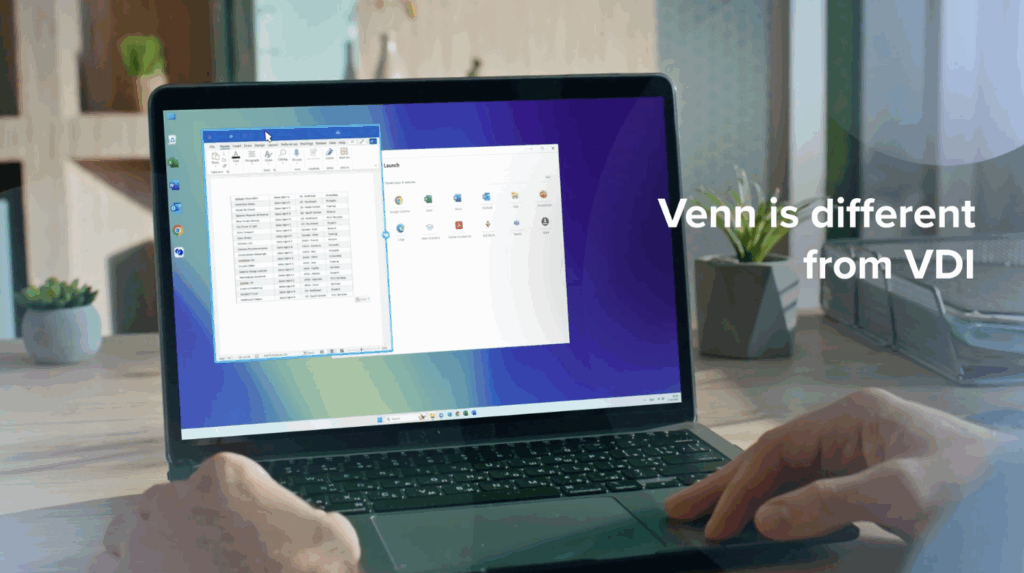
One way to do this is by creating a Secure Enclave directly on the user’s device. Applications run locally and natively, but within this encrypted, company-managed environment that enforces data protection rules. A visual cue can show employees which apps are inside the secure space and which aren’t—helping prevent accidental leak.
Real World Example
Imagine a remote worker with Word, Excel, and SharePoint open. Copying data between these apps works seamlessly because they’re all running inside the Secure Enclave. Try pasting the same data into an app outside the enclave, like Notepad, and it’s blocked. Sensitive information never leaves the secure environment.
Screen capture is another area of concern. Any attempt to capture a protected app’s content is automatically obscured, preventing leaks even if someone tries to record or screenshot their screen.
A secure enclave approach can also help organizations stay compliant with standards like HIPAA, SOC 2, FINRA, and PCI. By protecting data at the application level, companies don’t have to rely on slow, complex virtual desktops or manage every endpoint directly.
The Bottom Line
Remote and contract work is here to stay. Protecting business data doesn’t have to slow people down or require endless IT oversight. With the right approach, organizations can enforce DLP policies and secure sensitive data on unmanaged devices, reduce risk, and keep workflows smooth.
To see Venn in action, you can book a demo here.
More Videos


Any worker. Any laptop. Any AI workflow. Fully secured.
Schedule a demo to see how Blue Border™ secures company data and apps without shipping laptops, running VDI, or managing personal endpoints.