
Secure Work Files Stored Locally on any Unmanaged Laptop
For organizations that rely on contractors, consultants, and remote employees, data exfiltration is one of the biggest security concerns. How can sensitive company files stay safe on devices that IT doesn’t fully control?
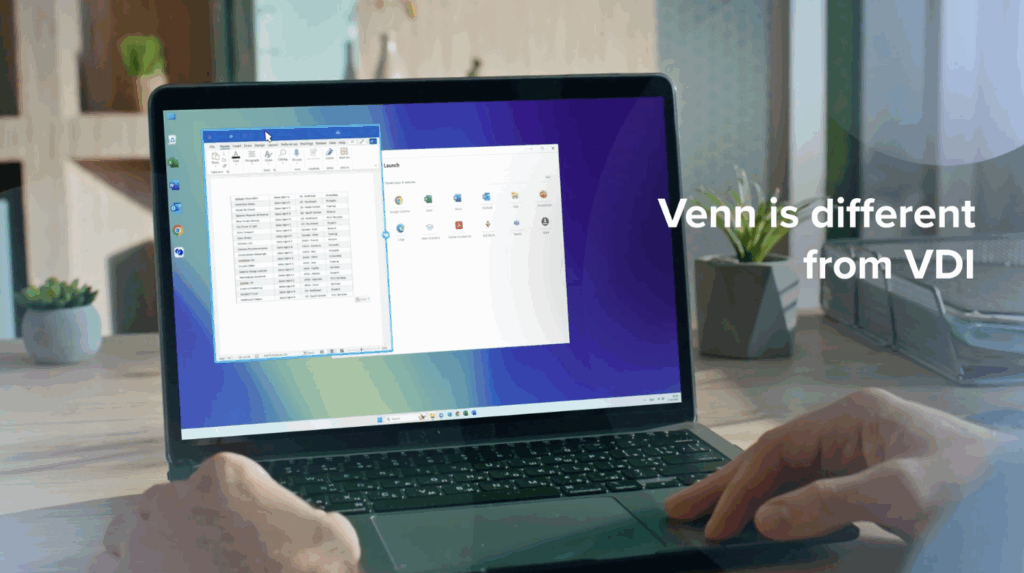
With Venn, the answer is simple. Venn secures sensitive work files on unmanaged devices—without VDI or any form of virtualization or remote hosting. Files remain local on the machine, while your data protection policies are enforced at all times.
Introducing Venn: Security Inside the Blue Border
Venn Disk is a powerful feature built into Venn’s Blue Border secure enclave. It acts as a virtual encrypted local drive, isolating and protecting work files from any personal activity on the same computer.
Inside Venn, everything your team needs for work – files, metadata like document history, bookmarks, browsing activity, and app cache – is stored securely within the company-controlled enclave.
When a user logs into Blue Border, Venn appears as a fully encrypted virtual drive in File Explorer (bottom left corner). Outside of Blue Border, the drive is invisible and inaccessible, ensuring company data cannot be accessed or exfiltrated.
Seamless Performance, Familiar Experience
Venn is designed to integrate with the tools your team already uses. OneDrive, Google Drive, or internal file shares all work normally – mapped directly to Venn. Users can save and download files as usual, but only within approved locations inside the secure enclave.
Files are cached locally for performance, but never leave Blue Border, and everything inside Venn is always encrypted.
Security You Can Trust
- Lost or stolen devices? Company data remains protected.
- Employee offboarding? Venn can be wiped remotely in minutes via the admin portal, leaving no sensitive data behind.
Venn makes it possible to give contractors and remote employees the flexibility of working on their own devices, while keeping company data secure.
If you want to see Venn in action – schedule a quick demo.
More Videos


Any worker. Any laptop. Any AI workflow. Fully secured.
Schedule a demo to see how Blue Border™ secures company data and apps without shipping laptops, running VDI, or managing personal endpoints.